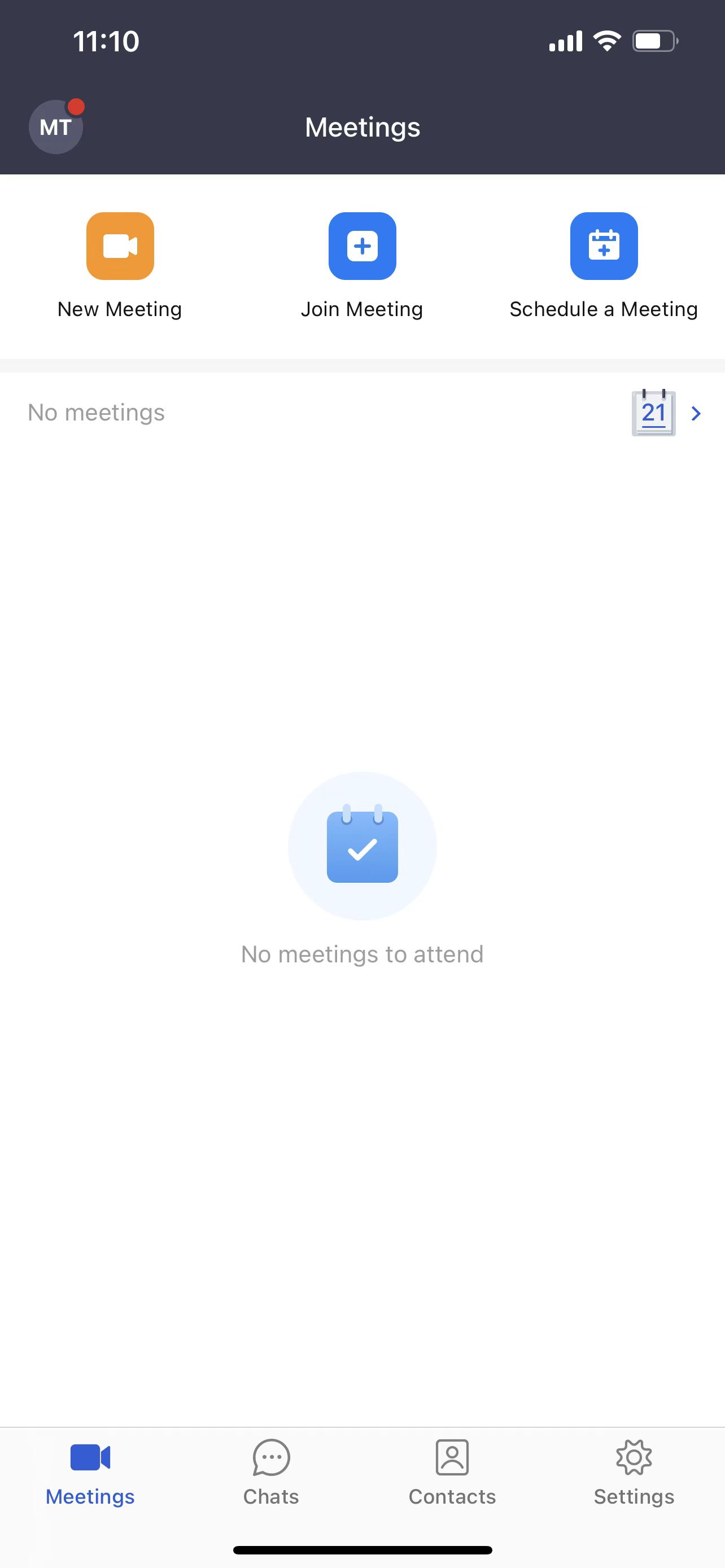
Sign in with Microsoft account
Matrx provides SSO with which the enterprise users can sign in with their Microsoft accounts.
This article covers:
Prerequisites
- This is a customized feature and is available for Enterprise accounts only
- The enterprise admin has enabled SSO
Windows and macOS
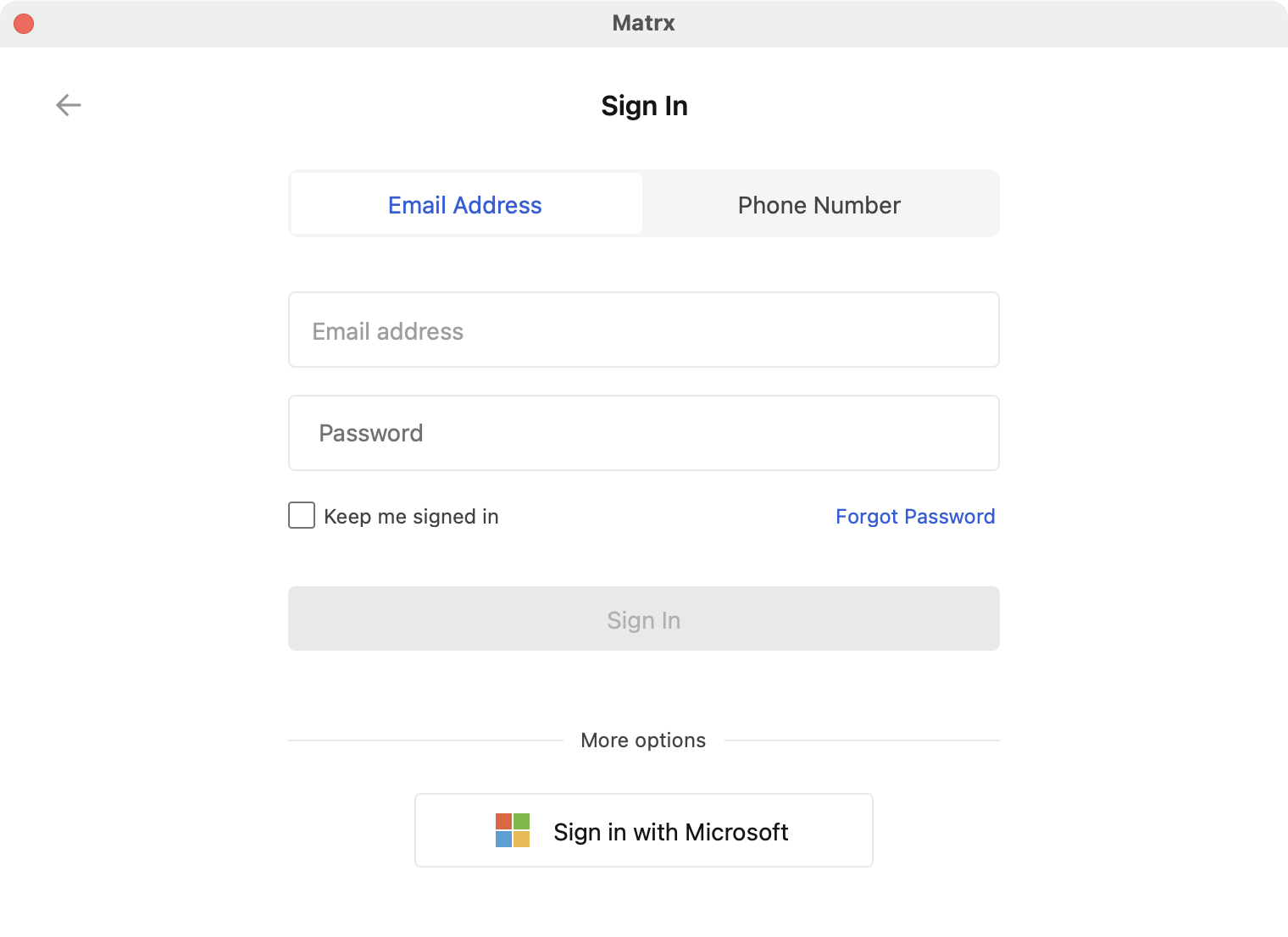
- Open the Matrx application you've installed and click the Sign In button.

- Click Sign in with Microsoft.
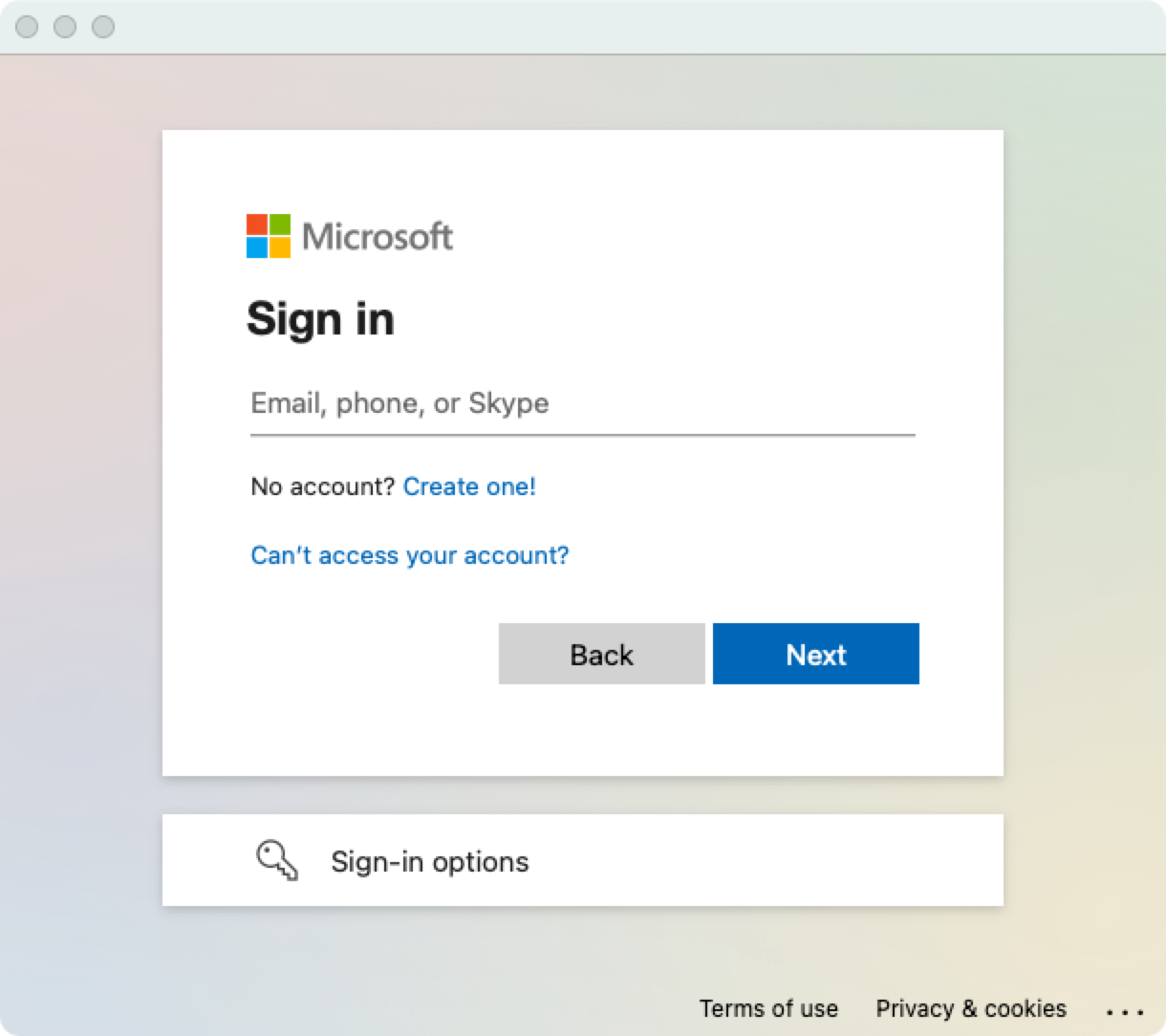
- Enter your Microsoft account and click Next.
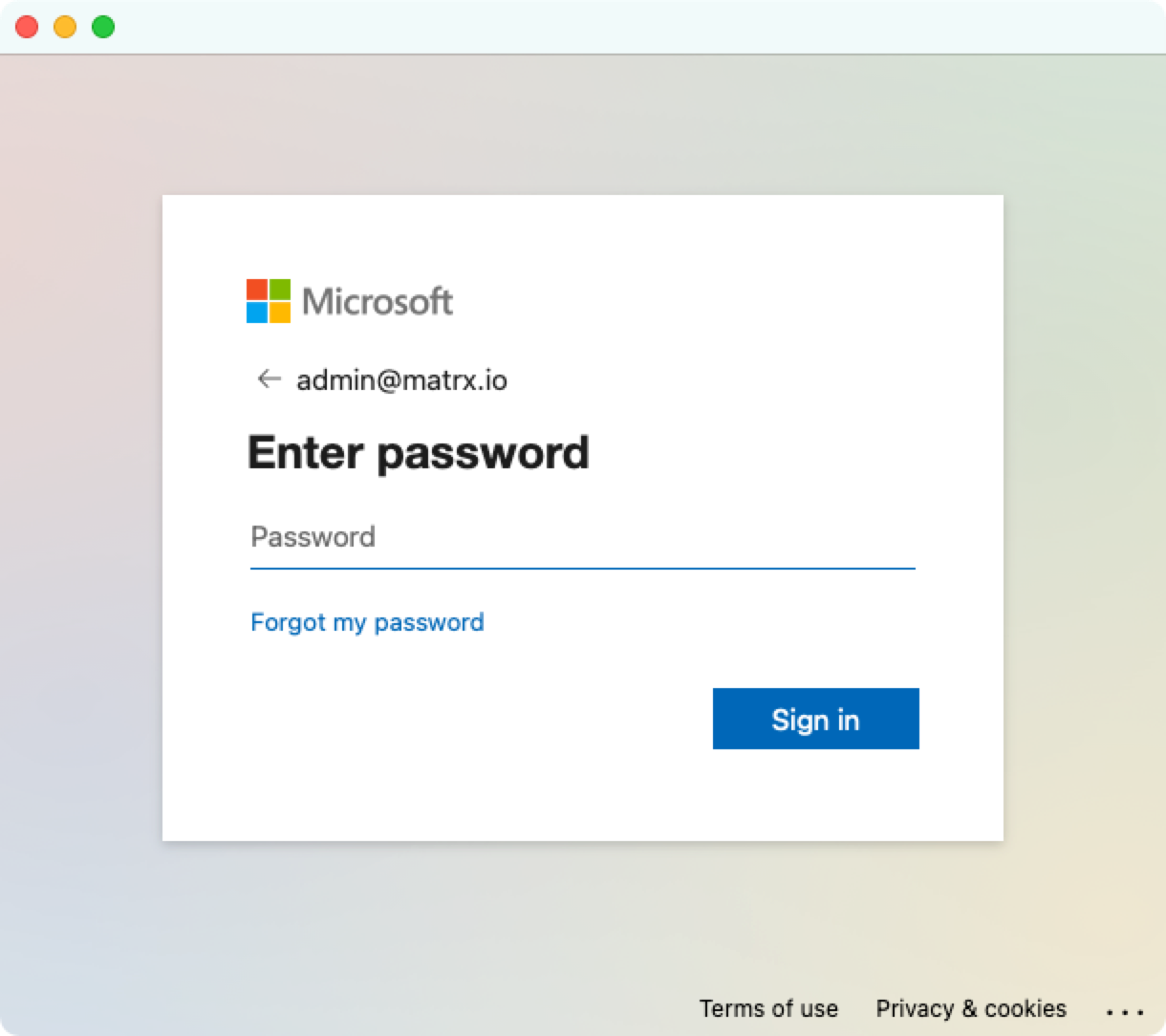
- Enter your Microsoft passwordand click Sign in.
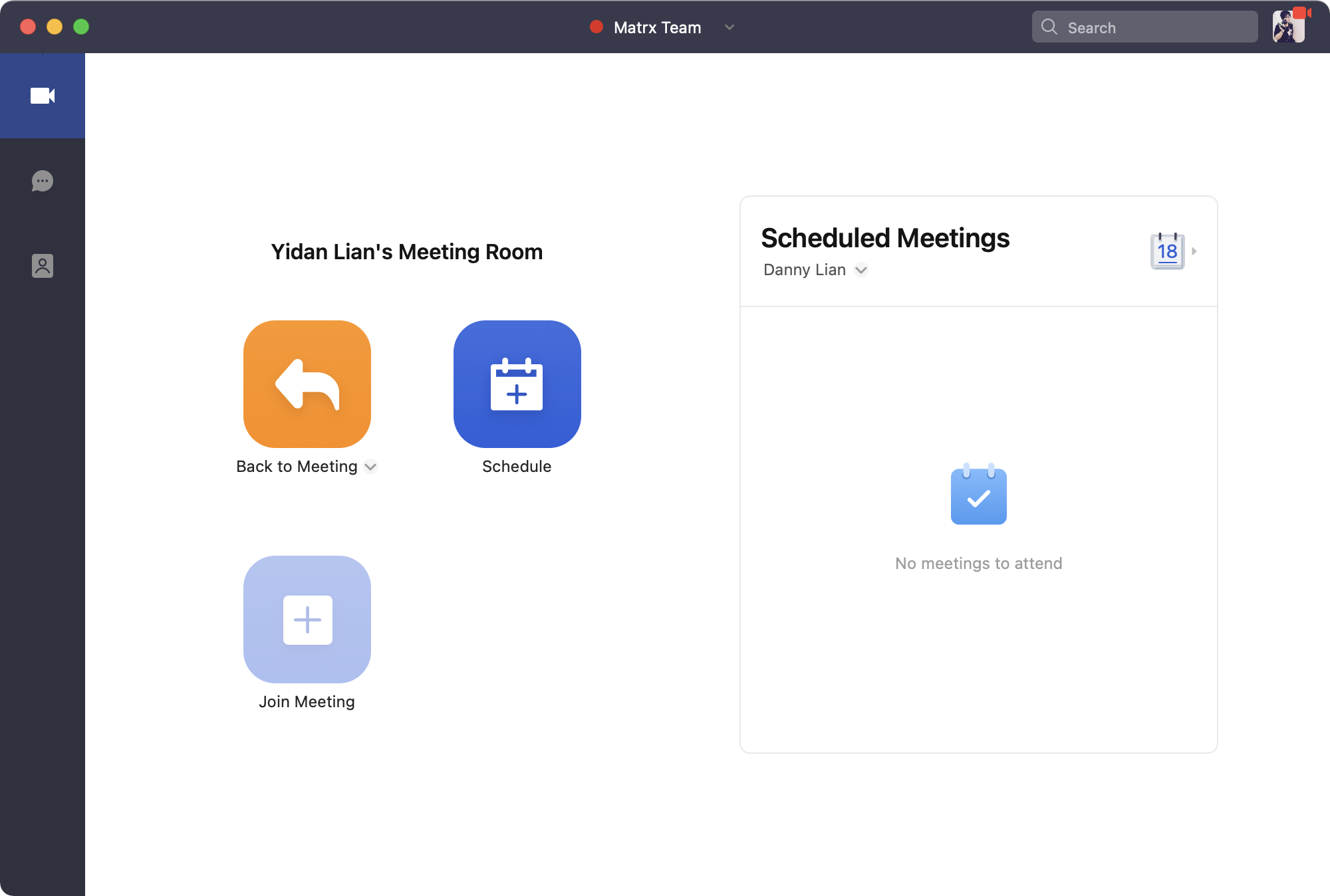
- Sign-in is completed.
Android and iOS
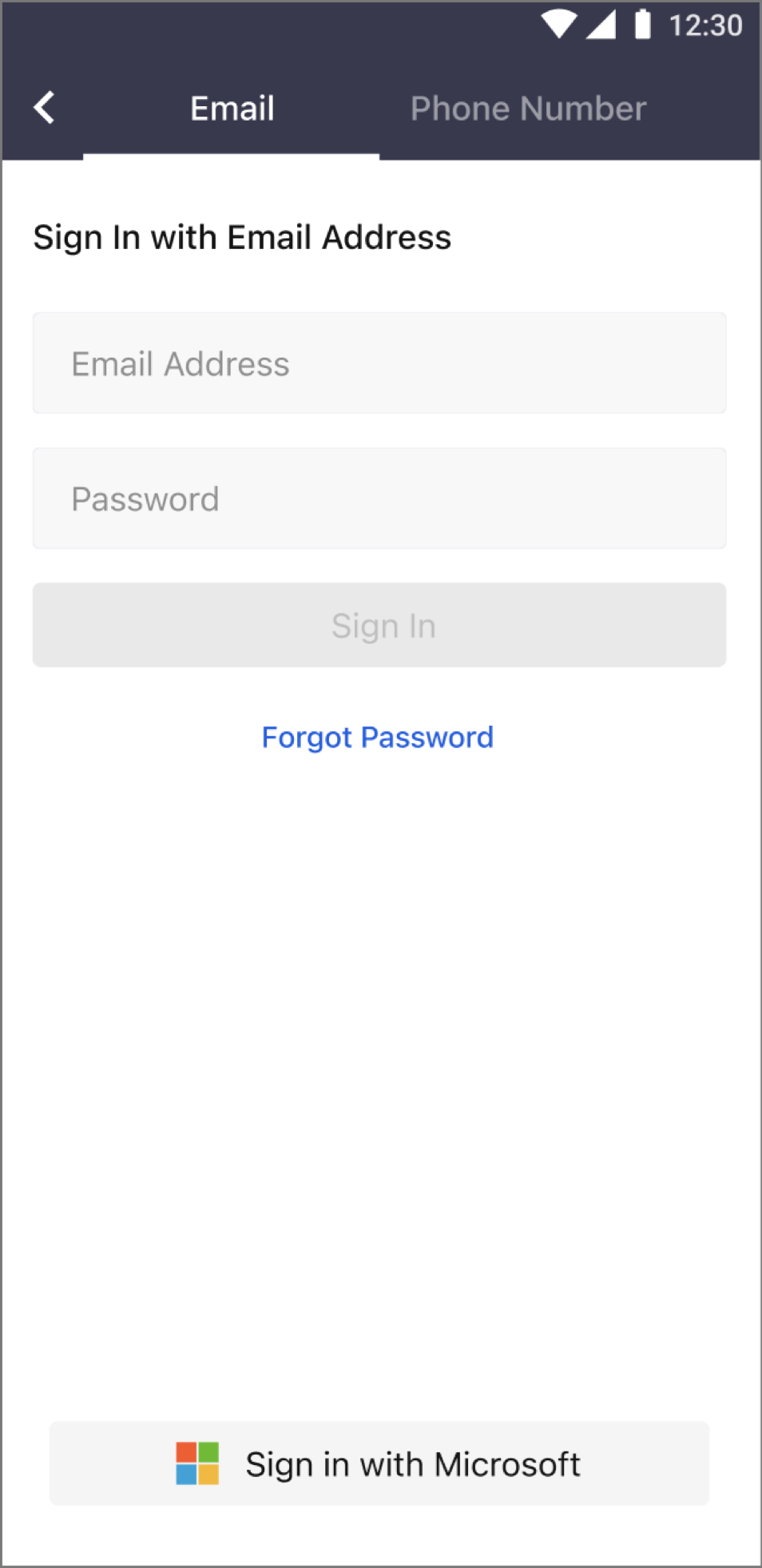
- Open the Matrx application you've installed and click the Sign In button.

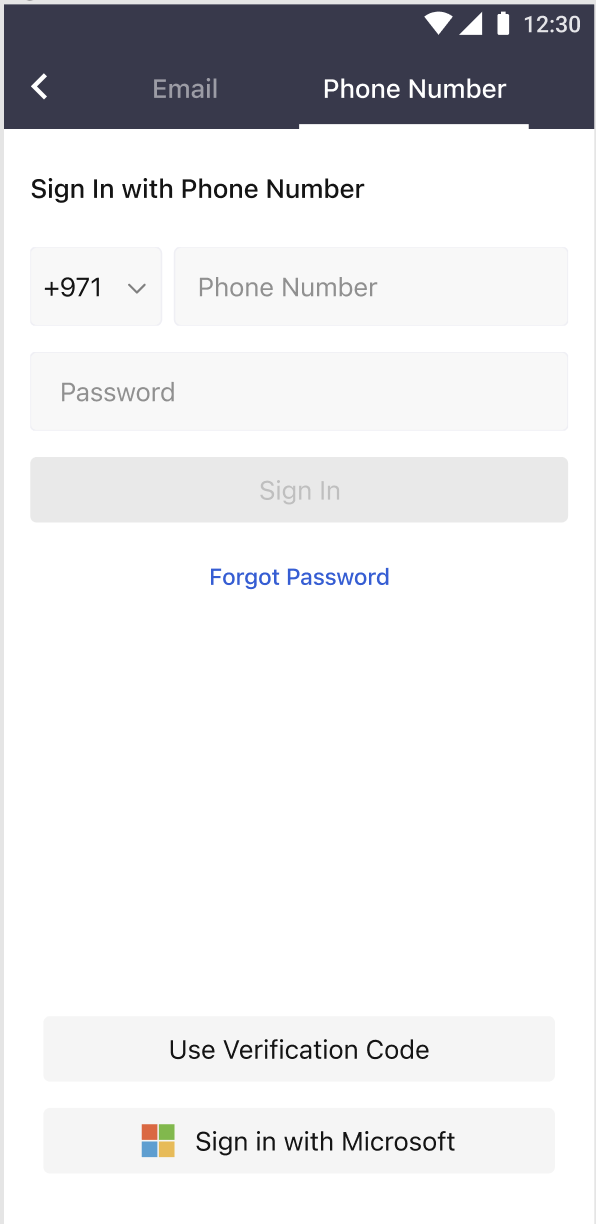
- Click Sign in with Microsoft.
- Enter your Microsoft account and click Next.
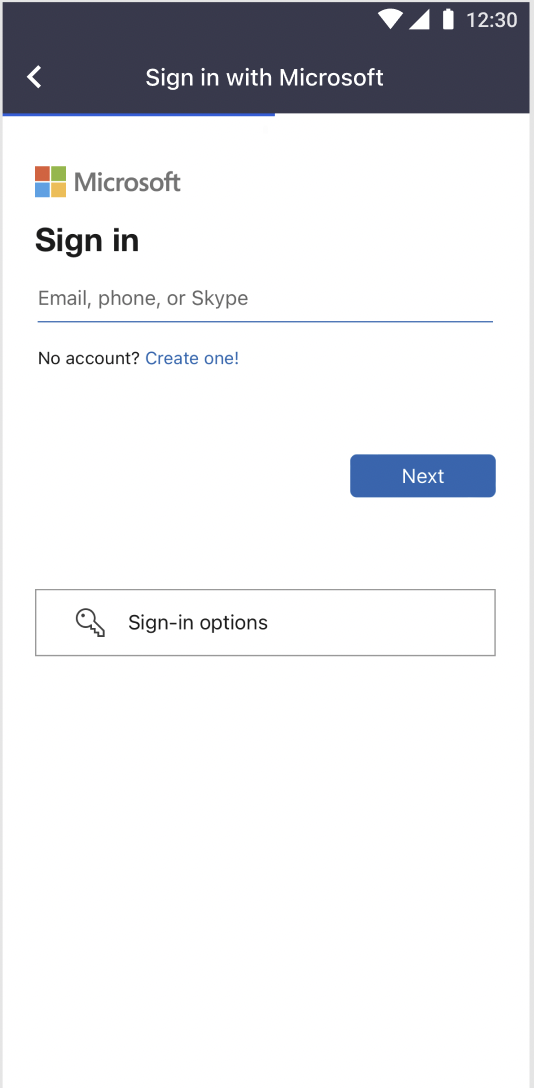
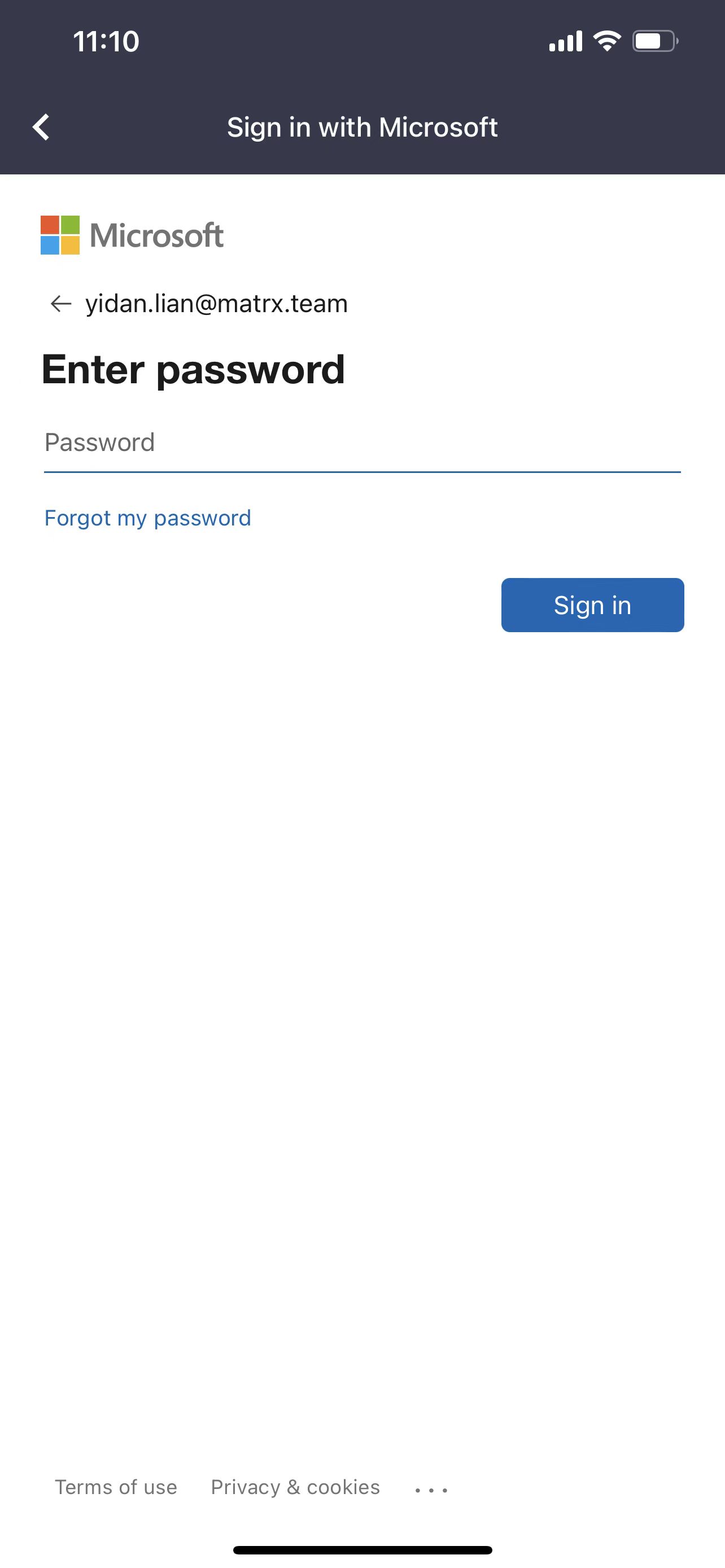
- Enter your Microsoft passwordand click Sign in.
5. Sign-in is completed.